Canva Crash Course
For Free + Pro Accounts
Design With Confidence. No Overwhelm.
If Canva feels confusing, cluttered, or overwhelming — this course fixes that.
The Canva Crash Course walks you step-by-step through exactly how to use Canva for digital products, branding, and content creation — whether you’re using the Free version or Canva Pro.
No fluff. No design degree required.
Just clear instruction you can follow.
Inside This Course You’ll Learn:
✔ How to navigate Canva without feeling lost
✔ The difference between Free vs Pro features (and what actually matters)
✔ How to create professional-looking designs from scratch
✔ How to use templates the right way
✔ How to organize your brand kit (colors, fonts, logos)
✔ How to design digital products that look polished
✔ Time-saving workflows so you stop redesigning everything
What’s Included:
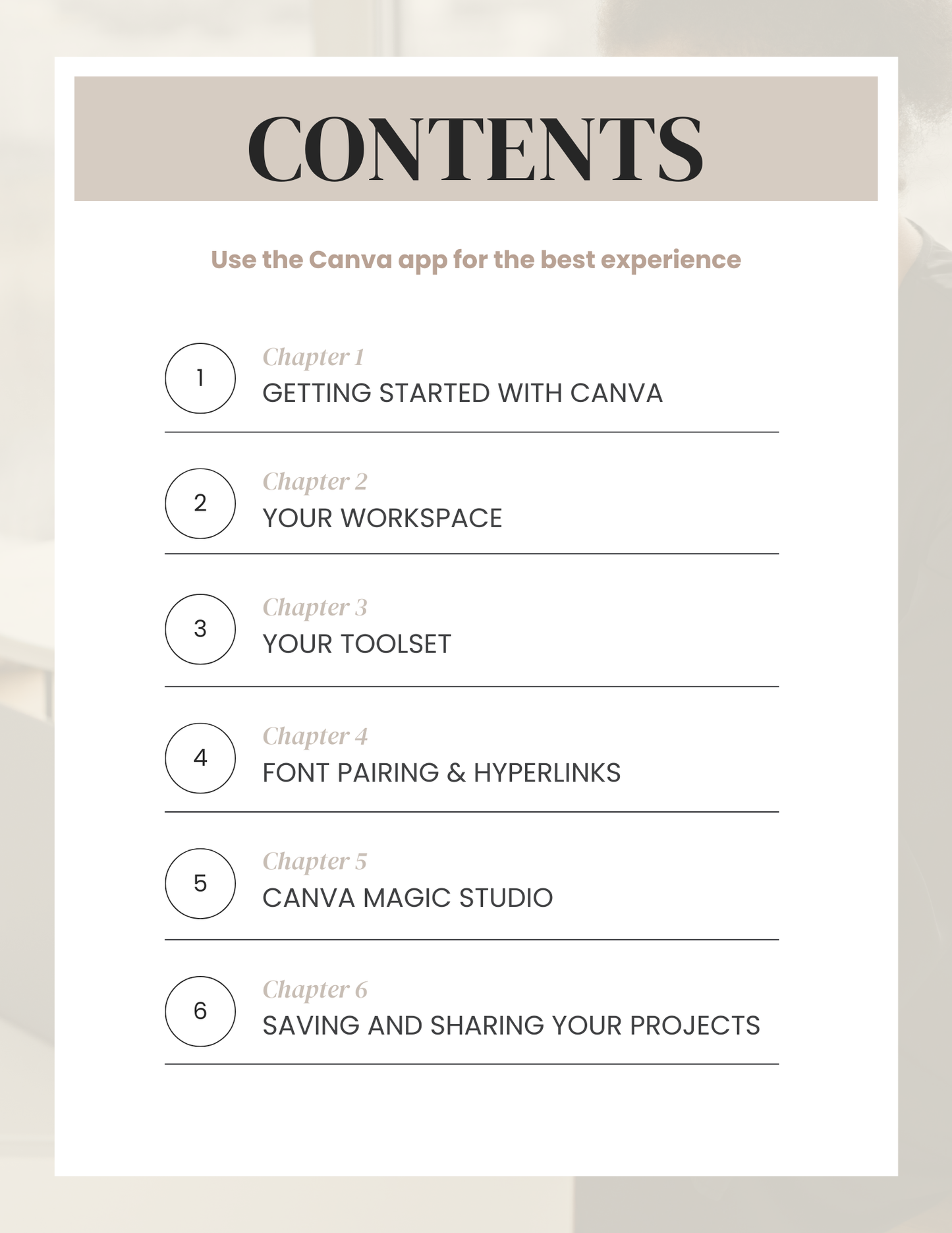
• 37-Page Step-by-Step Canva Guide
• Easy-to-follow walkthroughs
• Screen-recorded video tutorials
• Real examples you can model
• Beginner-friendly explanations
You can watch the videos and design alongside me.
This is built for creators who want clarity, not confusion.
Who This Is For:
• Beginners who feel overwhelmed in Canva
• Digital product creators
• Small business owners
• Content creators
• Anyone tired of guessing their way through design
What This Is Not:
This is not advanced graphic design training.
This is practical, beginner-friendly Canva education that gets you creating confidently and quickly.
After This Course You’ll Be Able To:
• Open Canva and know exactly what to do
• Create polished designs without overthinking
• Build digital products that look professional
• Save hours every week
Instant Access
Once purchased, you’ll receive immediate access so you can start designing today.